
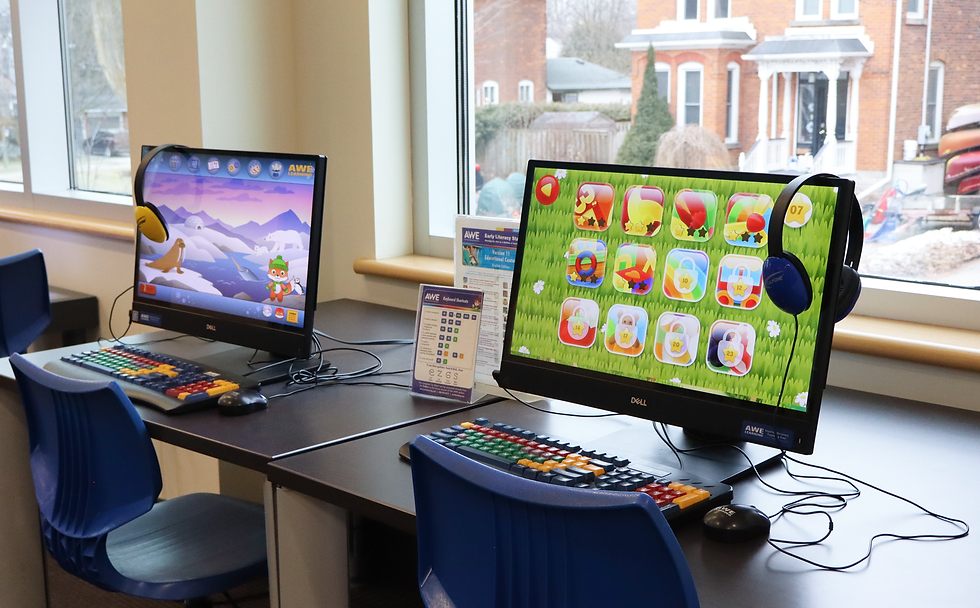
The Halton Hills Public Library has many kinds of computers available for all ages.
*Please note that Adobe Creative Cloud is not available at this time.
Computers







When using public computers
-
All information, saved or not, is lost when a session ends. Anything saved in My Documents or on the desktop, along with your Internet search history is permanently deleted at the end of the session.
-
You must agree to the Library's Internet Access Policy to connect to the Library's Wi-Fi network.
-
Using your library card number to sign up for a computer is for time-keeping purposes only. All users who sign in remain anonymous and any information related to your session is lost when you sign out.
-
We cannot guarantee the safety of your traffic across the Library's network.
-
Please be sure to review the Halton Hills Public Library Internet and Technology Access Policy.